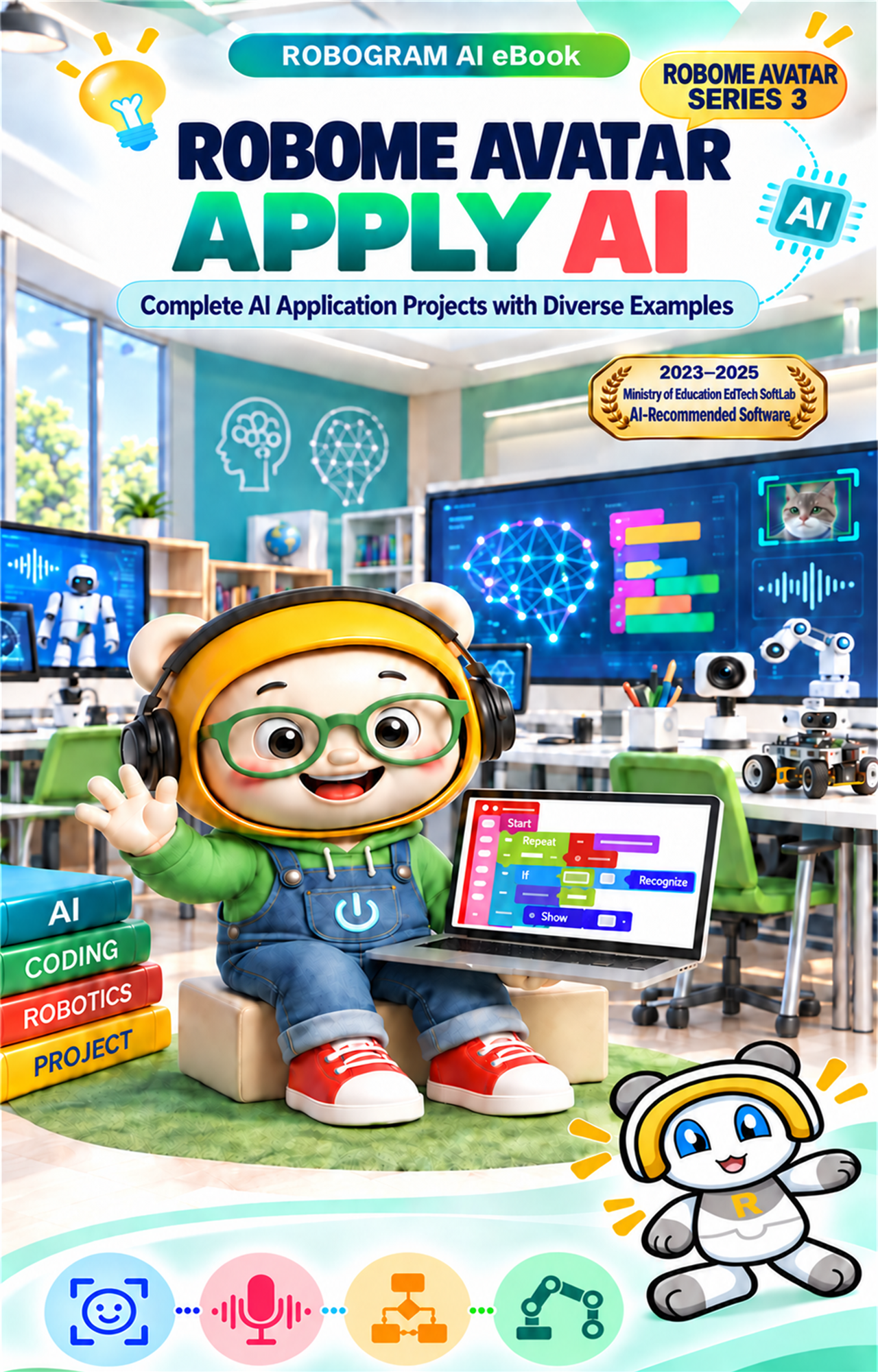
Robome Avatar Build with AI
ROBOME AVATAR SERIES 02

Robome Avatar Build with AI

Block coding projects that connect conditions, loops, and AI recognition

Twenty guided projects move from loops and conditions to face, object, and speech recognition in an interactive eBook.

LevelFoundations to advanced
Format6 units · 20 examples
AudienceStudents with basic block coding skills
MethodAlgorithm · Blocks · Run
LEARNING DESIGN

Connect coding fundamentals with AI features

Each example follows a clear sequence: learning goal, algorithm, block structure, completed code, and execution result.

01

Loops and variables

Practice repeated output and cumulative calculations.
02

Input and conditions

Evaluate user input and produce the correct result.

03

AI recognition

Connect face and object recognition to variables and logic.

04

Integrated projects

Use voice commands to run multiple AI features.

BOOK PREVIEW

A closer look at the 20 projects

The sequence begins with compact coding exercises and progresses to projects that combine several recognition features.
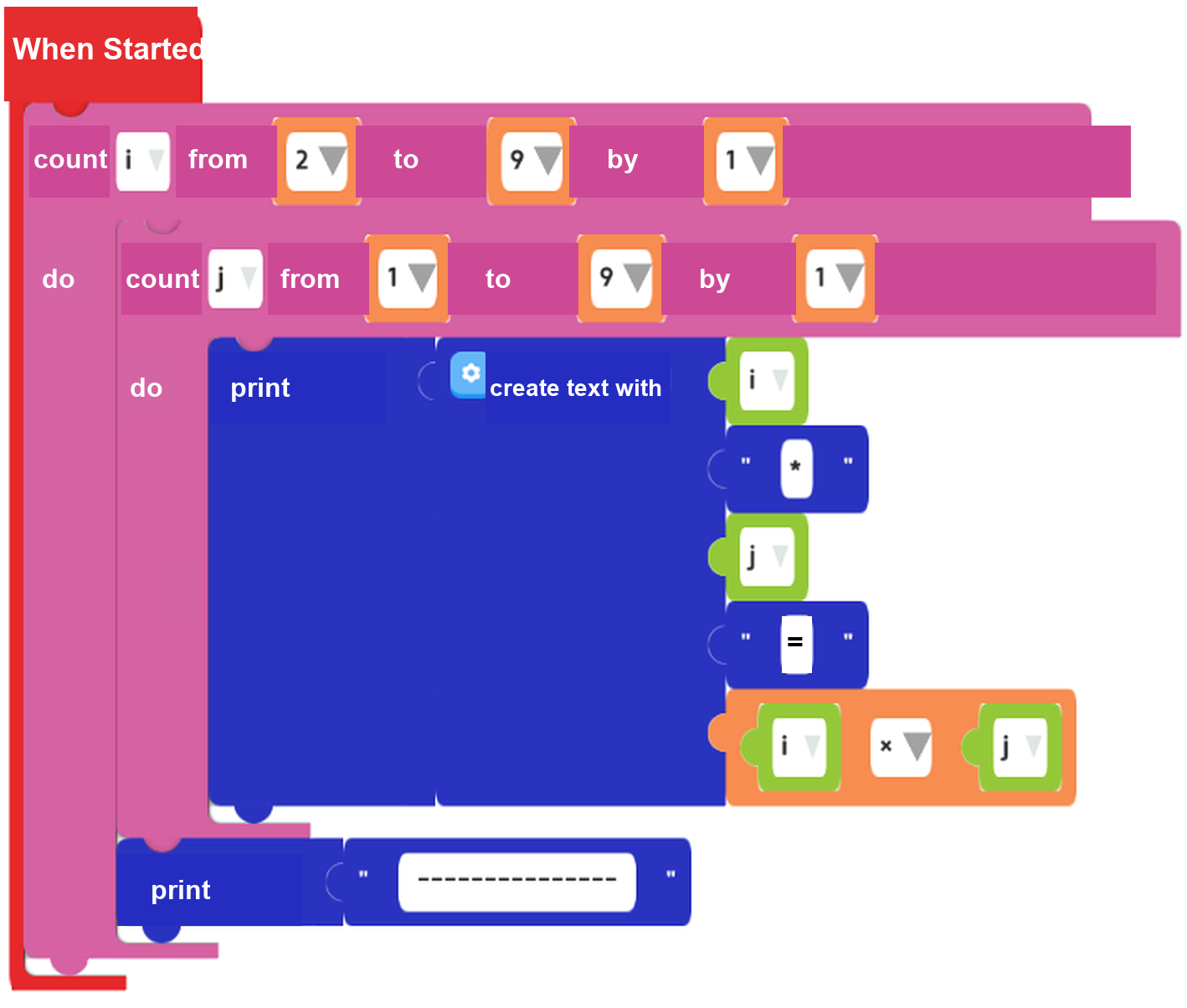
Nested loops for times tables
Nested loops for times tablesA completed block sequence prints the times tables from 2 to 9.
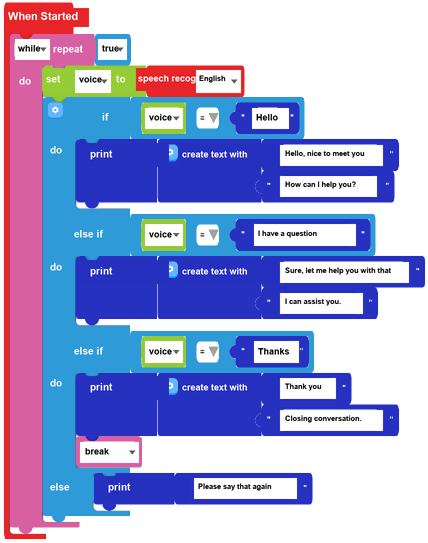
Speech recognition chatbot
Speech recognition chatbotConditions match spoken input with an appropriate response.
Object recognition accuracy
Object recognition accuracyVariables track recognition attempts and calculate the result.

Preview images are selected from completed blocks in the original source edition.

CONTENTS

Volume 2 contents

Twenty examples progress from coding foundations to integrated face, object, and speech projects.

UNIT 1 Strengthening Coding Fundamentals

  1. 01Print the 2 Times Table
  2. 02Sum 1 to 10 Using the Until Block
  3. 03Sum 1 to 10 Using the While Block
  4. 04Print Times Tables from 2 to 9
  5. 05Print a User-Selected Times Table
  6. 06Build a Pyramid with the Letter a

UNIT 2 Understanding Input and Conditions

  1. 07Enter a Score and Print a Grade
  2. 08Show an Image When the Input Sentence Is Correct
  3. 09Show O for a Correct Sentence and X for an Incorrect Sentence

UNIT 3 Applying Face and Object Recognition

  1. 10Recognize a Face After Checking 100 Face Images
  2. 11Change the Face After 50 Successful Recognitions
  3. 12Apply a Mask After 50 Successful Face Recognitions
  4. 13Check Object Recognition Results and Calculate Accuracy

UNIT 4 Creating Responses with Speech and Facial Expression Recognition

  1. 14Change the Face with Voice Commands
  2. 15Build a Speech Recognition Chatbot
  3. 16Change the Face Based on Facial Expression Recognition

UNIT 5 Running Other Features from AI Recognition Results

  1. 17Run Body or Hand Gesture Recognition Based on Face Recognition
  2. 18Run Body Recognition or Apply a Mask Based on Face Recognition

UNIT 6 Final Projects

  1. 19Apply a Mask for a Set Duration After 50 Successful Face Recognitions
  2. 20Use Voice Commands for Body Recognition, Virtual Keyboard, or Face Change
BOOK INFORMATION

Book information

Series
Robome Avatar Series 2
Book type
Responsive web textbook eBook
Course size
6 units · 20 examples
Environment
Robome Avatar desktop app
Recommended for
Upper elementary and middle school learners with coding basics
eBook tools
Navigation, zoom, completion tracking, and favorites

Sales fields such as price, ISBN, and publication date can be added in the store product form.
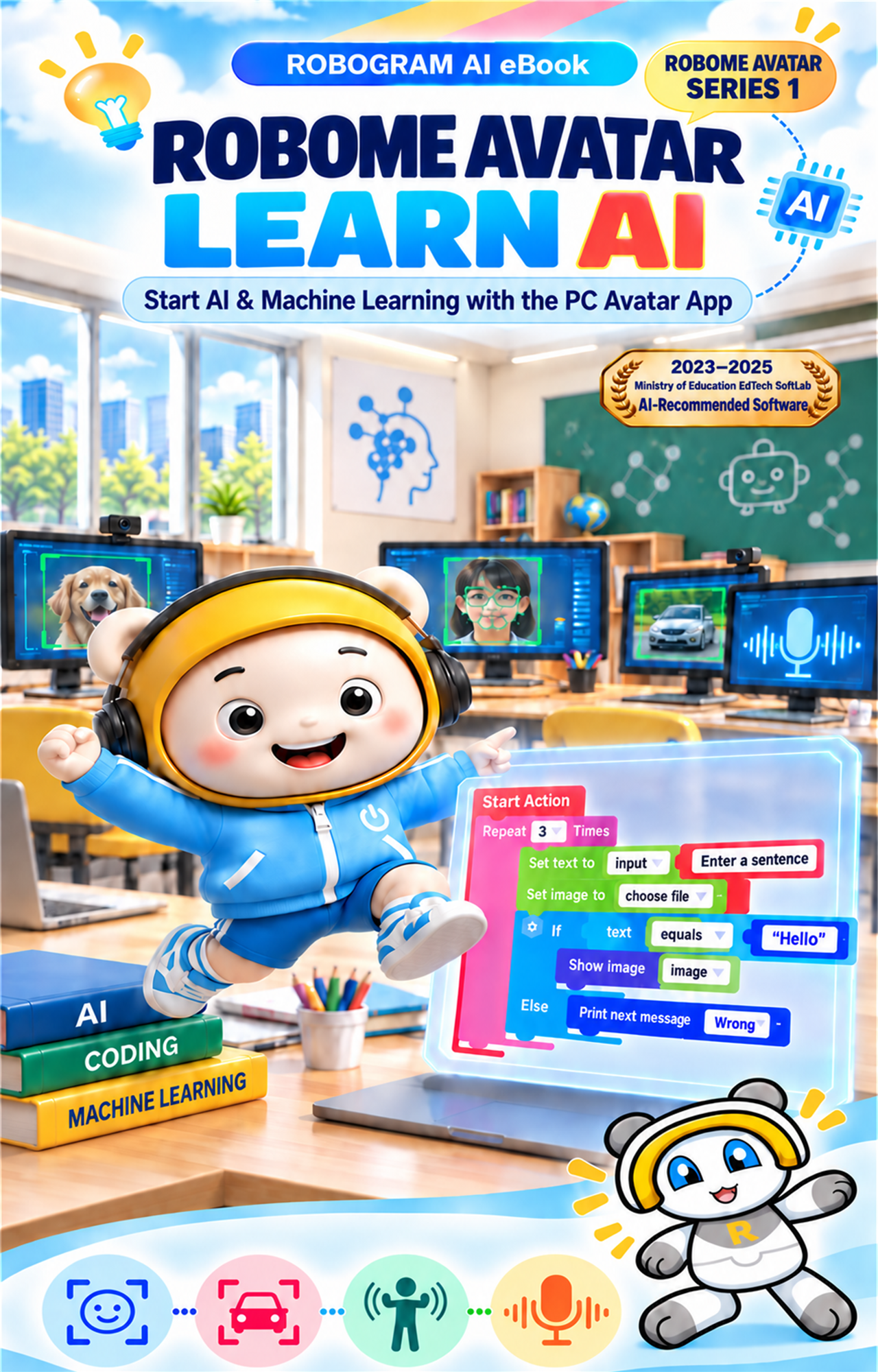
ROBOME AVATAR SERIES

A three-volume path from learning to application

Robome Avatar Learn AIVolume 1Learn AI
Robome Avatar Build with AIVolume 2Build with AI
Robome Avatar Apply AIVolume 3Apply AI